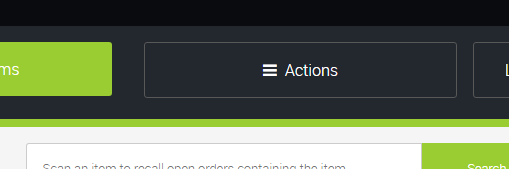
1) Select the Actions menu in POS:
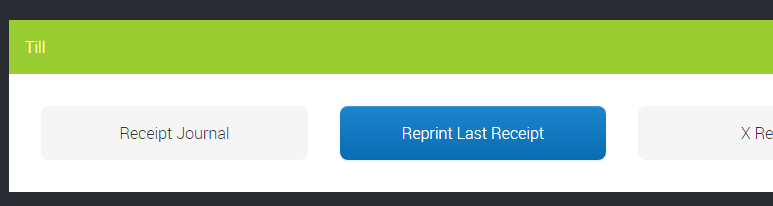
2) Select Reprint Last Receipt from the menu:
NOTE: this can only be done for till receipts.
1) Select the Actions menu in POS:
2) Select Reprint Last Receipt from the menu:
NOTE: this can only be done for till receipts.
How do I create and manage Kits?
How do I use CitrusPay Payment Links?
How do I customise the Account and Checkout pages on my website?
Cloud Reports // Update 29th September 2026
How does the Cloud POS QuickBooks integration work? (US)
How does the Cloud POS QuickBooks integration work? (UK)
QuickBooks // Update - 24th September 2026
How does ecommerce work for Jersey, Guernsey and Isle of Man retailers?
Haven't found the answer you're looking for? Contact Support
